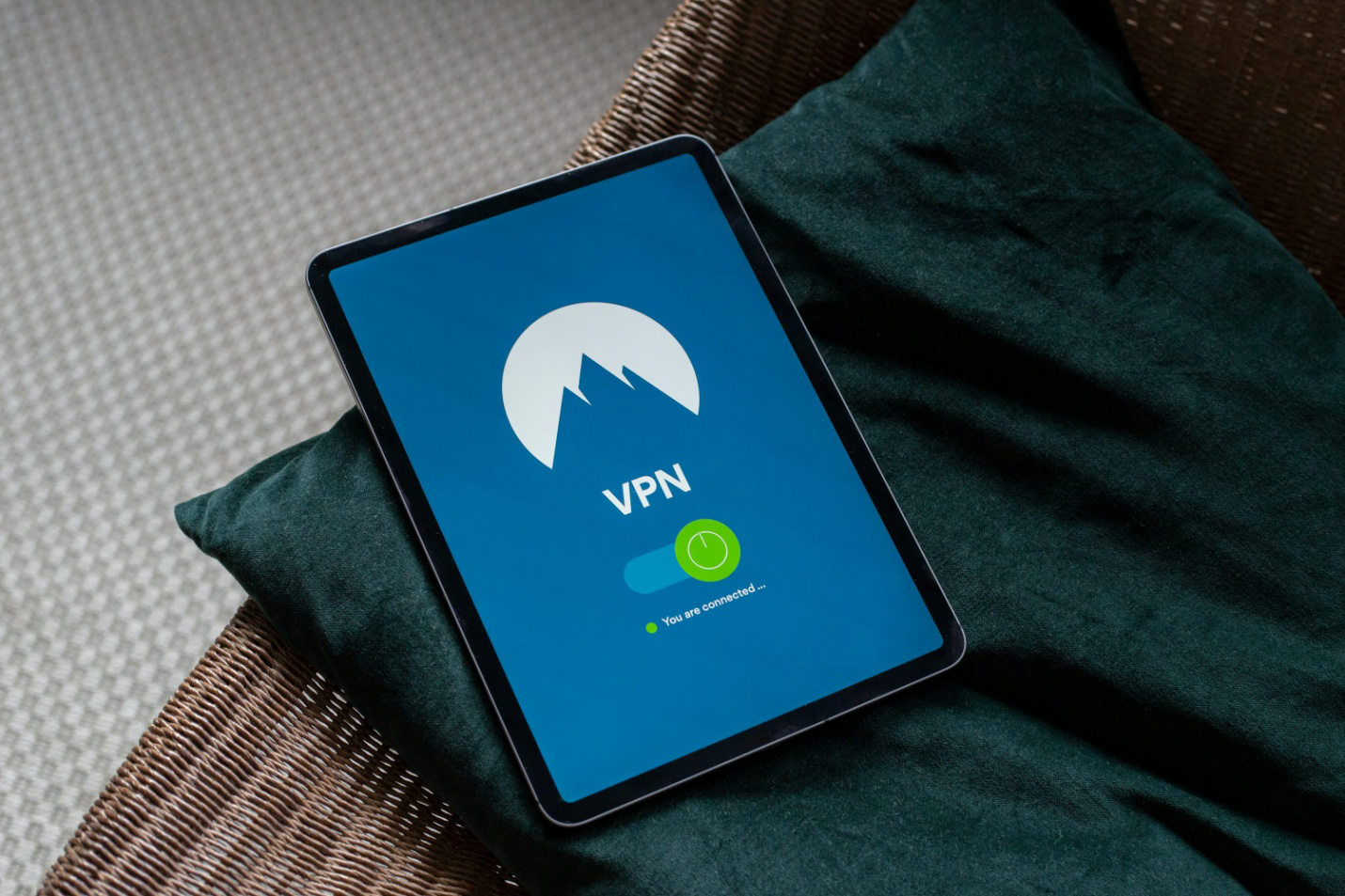
Not all VPNs are configured securely right out of the box. Even reputable providers may leave critical options disabled by default. Before connecting to any new server, there are essential settings you should always verify. These include your Kill Switch, encryption standards, DNS leak protection, and advanced features like Split Tunneling.
In this guide, VPNGeniX breaks down five crucial configurations every user should check to guarantee both safety and performance, whether you’re using a VPN for college students, a dedicated VPN server for business, or a mobile VPN proxy service for iOS or Android.
Protect My Privacy Now
Why These VPN Settings Matter in 2025
In 2025, more devices than ever are connected to the internet, from smart TVs to IoT thermostats. This expansion increases the attack surface for cybercriminals and data trackers. VPNs remain an essential defense, but improper setup can expose you even when you think you’re protected.
When these five settings are configured correctly, your virtual private network works as intended: encrypting traffic, blocking leaks, and ensuring that sensitive information never leaves your secure tunnel. This is especially critical for remote teams using a dedicated VPN server for business, and for users in restrictive regions like India who rely on VPN connections to access open internet resources safely.

Our Testing Methodology
To verify which VPNs handle these features best, VPNGeniX independently tested leading services such as NordVPN, Surfshark, CyberGhost, ExpressVPN, and Proton VPN.
Each provider was evaluated on:
- Speed and reliability when connecting to multiple regions.
- Privacy tools, including DNS and IPv6 leak protection.
- Streaming and torrenting compatibility, especially for streaming sports and torrenting.
- Device integration with Android, iOS, and router configurations.
- Ease of access to advanced settings within the VPN client interface.
Five VPN Settings You Should Always Check
1. Kill Switch Activation
A Kill Switch prevents your device from transmitting data if the VPN connection drops unexpectedly. Without it, even a momentary disconnect could expose your IP address or browsing activity.
Enable the Kill Switch in your VPN app’s security settings before connecting to any new server. The feature is standard among the best VPNs for internet security, like NordVPN and ExpressVPN, and it’s invaluable when using a free internet or public Wi-Fi.
CTA: Enable Your Kill Switch Now.
2. Encryption Protocol Selection
Modern VPNs typically offer multiple encryption options. Choose the protocol that balances speed and safety:
- WireGuard– fastest, ideal for mobile devices.
- OpenVPN– best for proven reliability.
- IKEv2/IPSec– great for mobile switching between Wi-Fi and cellular networks.
Ensure your VPN is using AES-256 or ChaCha20 encryption. These algorithms are standard across the best VPNs for business, offering robust protection without sacrificing speed.
3. Split Tunneling Configuration
Split Tunneling allows you to route only selected apps or traffic through your VPN while keeping others on your regular connection. This feature is perfect for balancing bandwidth and privacy — for instance, you might route activities like sports betting or streaming traffic through the VPN, while leaving local apps unencrypted.
It’s especially useful for iOS and Android users who want streaming access without slowing down all their mobile traffic.
4. DNS and IPv6 Leak Protection
Even when connected to a VPN, DNS requests or IPv6 leaks can reveal your true location to ISPs or websites. Always verify that DNS and IPv6 leak protection are active within your VPN settings.
Most of the top VPNs for torrenting include these safeguards automatically, but manual verification ensures peace of mind.
CTA: Start Streaming Securely.
5. Auto-Connect on Startup
Auto-connect ensures your VPN activates every time you launch your device or access public Wi-Fi. This setting eliminates human error, always keeping your virtual private network services active.
Users who rely on free proxies for Android or iPhone often overlook this, but without automatic startup protection, even a minute online can leave your data exposed.
Top VPN Picks for Secure Settings and Controls
1. NordVPN – Best for Comprehensive Protection
Quick Verdict: Combines WireGuard (NordLynx) with strong automation and advanced kill switch control.
Pros: Intuitive interface, fast speeds, double VPN routing.
Cons: Some advanced settings hidden in menus.
Streaming Access: Netflix, Hulu, ESPN+.
Pricing & Guarantee: From $3.29/month, 30-day refund.
CTA: Protect My Privacy Now.
2. ExpressVPN – Most Reliable Global Security
Quick Verdict: Delivers consistent encryption and automatic reconnection.
Pros: Excellent DNS leak prevention, strong global presence.
Cons: Slightly higher price point.
Streaming Access: BBC iPlayer, Prime Video, Disney+.
Pricing & Guarantee: From $6.67/month, 30-day refund.
CTA: Start Streaming Securely.
3. CyberGhost VPN – Best for Beginners
Quick Verdict: Easy to activate Kill Switch and Split Tunneling.
Pros: User-friendly interface, optimized streaming servers.
Cons: Slightly variable speeds.
Streaming Access: Hulu, ESPN, Amazon Prime.
Pricing & Guarantee: From $2.19/month, 45-day guarantee.
CTA: Get CyberGhost Download for Chrome.
4. ProtonVPN – Best for Transparent Privacy
Quick Verdict: Swiss-based provider with open-source clients and strict no-logs policies.
Pros: Excellent encryption standards, Secure Core architecture.
Cons: Free tier lacks some premium features.
Streaming Access: Netflix, YouTube, Disney+.
Pricing & Guarantee: From $4.99/month, 30-day refund.
CTA: Download Proton VPN for Windows.

VPN Comparison Table
| VPN Provider | Speed (Avg Mbps) | Logging Policy | Streaming Access | Price (Monthly) | Money-Back Guarantee | Best For |
| NordVPN | 230 Mbps | No-logs (audited) | Netflix, Hulu | $3.29 | 30 days | Complete Security |
| ExpressVPN | 210 Mbps | No-logs (audited) | Prime Video, Disney+ | $6.67 | 30 days | Reliability |
| CyberGhost VPN | 190 Mbps | No-logs | ESPN, Hulu | $2.19 | 45 days | Ease of Use |
| ProtonVPN | 160 Mbps | No-logs (Swiss) | Netflix, Disney+ | $4.99 | 30 days | Privacy Purists |
Best VPNs by Use Case
- Best VPNs for Sports:CyberGhost and NordVPN optimize routing for streaming sports with minimal buffering.
- Best VPNs for Torrenting:ProtonVPN and CyberGhost lead as the top VPNs for torrenting, offering advanced leak protection.
- Best VPN for India:Surfshark and NordVPN deliver high-speed access to regional content.
- Best VPNs for Business:ExpressVPN and NordVPN offer strong encryption and reliability for business
- Best Free Proxy Options:For casual browsing, free proxies for Android and iOS can supplement VPN use, but always confirm encryption is active.
FAQs
- What is the Kill Switch in a VPN?
A Kill Switch instantly cuts your internet connection if the VPN drops, preventing IP or DNS leaks. - Is Split Tunneling safe to use?
Yes, when configured properly. It allows selective routing without exposing sensitive data to unsecured networks. - Can I use these features on mobile?
Absolutely. Top providers support Android and iOS with all critical features included. - Which VPN is safest for torrenting?
The best VPNs for torrentingfree like ProtonVPN and CyberGhost include kill switches, leak protection, and strict no-log policies. - Do free proxies offer the same protection?
No. Even the best free proxy appfor Android and iPhone tools lack encryption. Always use a full VPN for genuine data privacy.
Configuring your VPN correctly can be the difference between true privacy and a false sense of security. Whether you’re streaming, torrenting, or managing a business connection, double-checking these five critical settings ensures you’re always protected.
Start Streaming Securely with a VPN that prioritizes security, speed, and transparency, tested and verified by VPNGeniX.