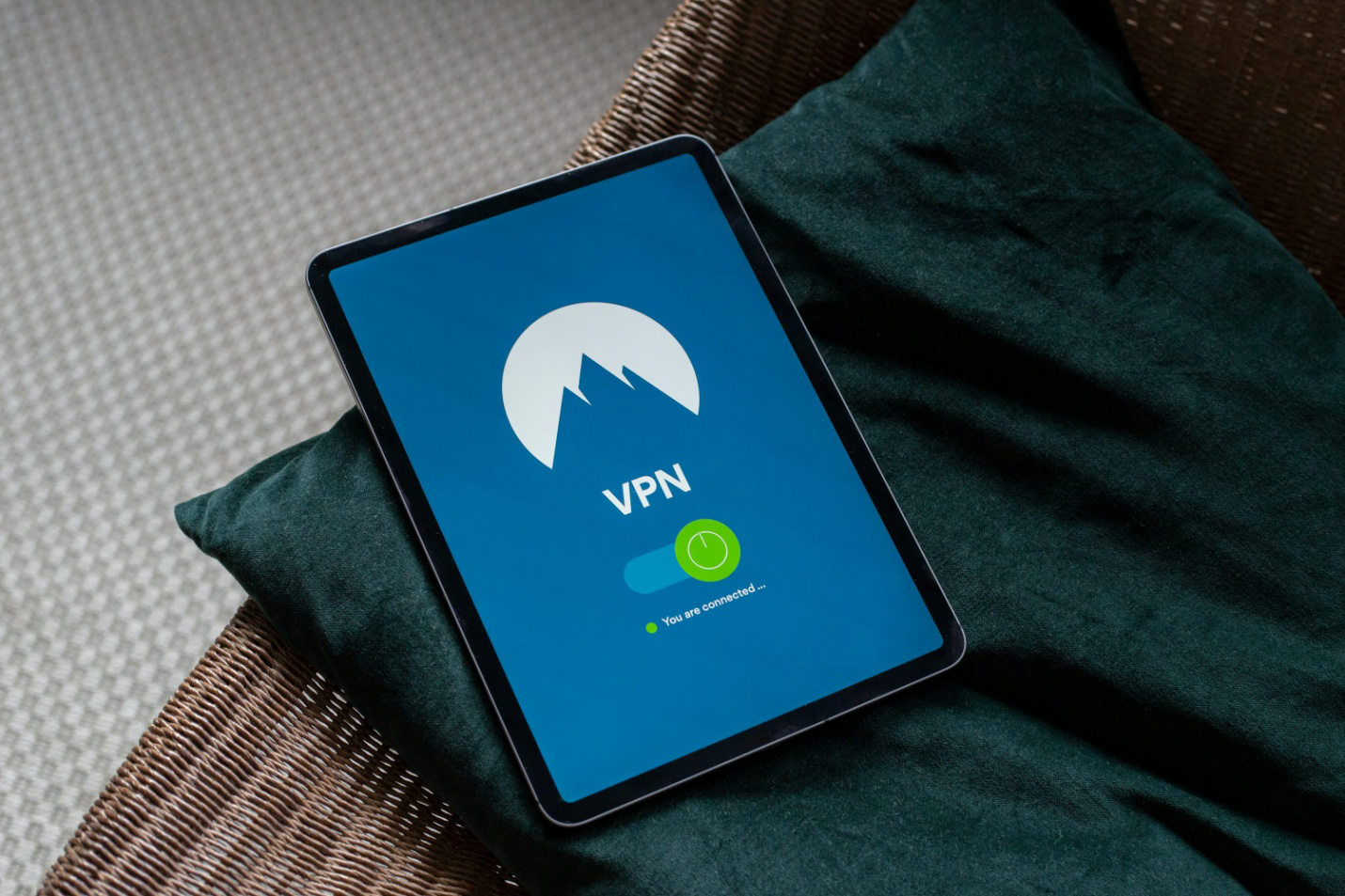

Most people don’t realize that their favorite weather app or mobile game is likely running dozens of hidden scripts in the background. These “silent” processes are designed to report your physical location, device usage, and interests back to advertisers in real-time. To block mobile app trackers effectively, we need a solution that works at the network level rather than trying to toggle every individual setting.
Utilizing specialized virtual private network services allows us to filter this invasive traffic before it ever leaves your phone. This guide explains how hidden scripts drain your battery life and how you can stop them with a single click. By the end of this post, you will know exactly how to reclaim your device’s performance and your personal privacy.
Skip ahead to our top picks.
Why App Trackers Are Killing Your Battery
Every time a hidden tracker tries to “call home,” your phone’s radio has to wake up, send data, and wait for a response. In 2026, many popular apps are packed with tracking SDKs that ping external servers every few minutes to update your GPS coordinates or usage habits. This constant background activity is one of the leading causes of rapid battery depletion and heat generation in modern smartphones.
By cutting off these communication lines, we prevent your phone from wasting energy on tasks that offer you no benefit. When a tracker is blocked, the app simply continues to function without the background data leak, leading to a cooler device and a noticeably longer charge. It is a rare “win-win” scenario where increasing your privacy directly leads to a better hardware experience.
Furthermore, many of these trackers bypass standard “Incognito” modes by using device fingerprinting to identify you. They look at your screen resolution, battery level, and even your accelerometer data to build a unique profile of your phone. Using a network-wide blocker is the only way to ensure these scripts are caught and neutralized across every app you have installed.
How We Tested Device-Wide Blocking
We tested these digital tools by monitoring “outbound requests” from a standard set of social media and news apps over a 24-hour period. Our goal was to see which services could catch the highest percentage of hidden telemetry and advertising pings. We prioritized providers that offer “Server-Side” blocking, which means the trackers are filtered at the VPN’s server so your phone doesn’t have to do the heavy lifting.
We also measured the impact on battery life by comparing “Screen-On Time” with and without the tracker-blocking features active. A successful tool must be able to run 24/7 with minimal CPU overhead while successfully stopping millions of known tracking domains. Finally, we looked for apps that provide a “Transparency Log,” showing you exactly which trackers were blocked and which apps were trying to spy on you.

Top VPNs to Block Mobile App Trackers in 2026
PureVPN – Best for Network-Level Filtering
PureVPN has introduced an aggressive “Standard” plan in 2026 that includes a highly effective tracker and ad blocker built directly into its network. It stops malicious domains and tracking scripts before they even reach your browser or mobile apps, ensuring your device stays clean and fast.
- Quick Verdict: A powerhouse for those who want an all-in-one security suite that stops trackers across the entire device.
- Pros: Blocks 7M+ tracking domains, very affordable long-term plans, high-speed WireGuard support.
- Cons: The initial setup involves several “upsell” prompts for extra security features.
- Privacy Tech: Content filtering, DNS leak protection, 10-device limit.
- Pricing & Guarantee: Starts around $2.14/month with a 31-day money-back guarantee.
Get PureVPN Now Today
Mullvad VPN – Best for Minimalist Privacy
Mullvad is famous for its “no-nonsense” approach to privacy and offers some of the best DNS-based blocking in the industry. You can toggle specific “Blocklists” for ads, trackers, and malware, giving you granular control over what your phone is allowed to communicate with.
- Quick Verdict: The ideal choice for users who want total anonymity and a simple, effective way to stop app spying.
- Pros: No email required for sign-up, flat-rate pricing, incredible transparency.
- Cons: Does not offer a traditional money-back guarantee (it uses a 30-day refund policy).
- Privacy Tech: Advanced DNS filtering, WireGuard integration, open-source apps.
- Pricing & Guarantee: Fixed at €5 (approx. $5.40) per month.
Get Mullvad VPN Today
Proton VPN – Best for Battery-Efficient Protection
Proton’s “NetShield” feature is specifically designed to be lightweight on system resources, making it perfect for older phones. It uses a high-performance DNS filtering system that stops trackers without the battery-draining overhead of some more complex firewalls.
- Quick Verdict: A high-integrity Swiss service that offers the best balance between privacy and battery preservation.
- Pros: Open-source and audited, based in Switzerland, excellent “Stealth” protocol.
- Cons: The free version does not include the NetShield tracker blocker.
- Privacy Tech: NetShield (DNS filtering), Secure Core servers, VPN Accelerator.
- Pricing & Guarantee: Plus plans start at $4.99/month with a 30-day money-back guarantee.
Get Proton VPN Today
Blokada Plus – Best for Specialized Tracker Control
Blokada began as a dedicated tracker blocker and later added a VPN (Blokada Plus) to create a total privacy solution. It is unique because it allows you to see a live “Activity Log” of every single tracker your phone tries to reach, letting you block them manually if the auto-filter misses anything.
- Quick Verdict: The best tool for “power users” who want to see exactly which apps are trying to monitor their move.
- Pros: Community-driven blocklists, extremely transparent, works on both iOS and Android.
- Cons: Can be more complex to configure than a standard “one-click” VPN.
- Privacy Tech: Cloud-based ad blocking, encrypted private DNS, WireGuard.
- Pricing & Guarantee: Subscription-based for the Plus VPN features.
Get Blokada Today
Comparison Table
| Service | Best For | Tech Strategy | Device Impact |
| PureVPN | All-in-One | Network Filtering | Low |
| Mullvad | Anonymity | DNS Blocklists | Very Low |
| Proton VPN | Battery Life | NetShield DNS | Minimal |
| Blokada Plus | Visibility | Activity Logs | Moderate |
Best VPNs by Use Case
Best VPN for Transparency
Blokada Plus is the winner for transparency. If you want to know which specific game is selling your data to a broker in 2026, its real-time log will show you the exact URL the app is trying to contact.
Best VPN for One-Click Simplicity
PureVPN is the best for users who don’t want to mess with settings. Once you turn on the “Standard” protection, the tracker blocking is active across your whole phone without any further configuration.
Best VPN for Public Wi-Fi
Proton VPN’s “Stealth” protocol not only blocks trackers but also disguises your VPN traffic as regular web browsing. This is essential for staying private on airport or coffee shop Wi-Fi where trackers are most aggressive.
FAQ Section
- Will blocking trackers break my apps?
Most apps are designed to work even if the tracking scripts fail. In rare cases, a “shopping” or “rewards” app might act up, but you can usually whitelist those specific apps within your VPN settings.
- Is this different from the “Ask App Not to Track” feature on iPhone?
Yes. The iPhone setting is a “request” that apps can choose to ignore or bypass using other methods. A VPN tracker blocker is a “hard block” that stops the data from ever leaving your device.
- Can I use a tracker blocker and a VPN at the same time?
The services listed above have the blocker built into the VPN itself. This is the most efficient way to do it, as your phone only has to maintain one encrypted tunnel.
- Does this stop Google and Facebook from tracking me?
It stops them from tracking you through other apps. However, if you are logged into a Facebook or Google app directly, they can still track what you do within that specific platform.

Reclaim Your Phone’s Performance
Your smartphone is a tool for you, not a tracking device for advertisers. By choosing to block mobile app trackers, we are taking back control of our hardware and our digital identities. Utilizing virtual private network services with built-in filtering is the most efficient way to clean up your network traffic without wasting hours in your phone’s settings menu. Whether you need a VPN proxy service for iOS to keep your iPhone snappy or a dedicated VPN server for business and personal security, the right tool makes a visible difference. Stop the data drain and extend your battery life today at VPNgeniX.
Contact us to find out more.